
Chances are you’re reading this on one right now. Smartphones have quietly become the single most-used piece of technology on the planet, sitting in more than 4.5 billion pockets worldwide. But beyond “a phone that does more stuff,” what actually makes a smartphone smart?
This guide explains what smartphones are, how they differ from older mobile phones, the main types available today, and how people use them in daily life, plus answers to common questions.
What Is a Smartphone?
A smartphone is a mobile phone that combines traditional calling and texting with the computing power of a small handheld computer. It runs a full operating system (like iOS or Android), connects to the internet via Wi-Fi or mobile data, and lets users install and run third-party apps, everything from banking and navigation to games and video streaming.
In simple terms, a smartphone is what happens when a telephone and a computer merge into one pocket-sized device. Where an old-style mobile (feature phone) could handle calls, texts, and maybe a basic camera, a smartphone can browse the web, edit documents, track your heart rate, unlock your front door, and pay for your coffee, often all before lunch.
How Smartphones Are Different From Regular Mobile Phones
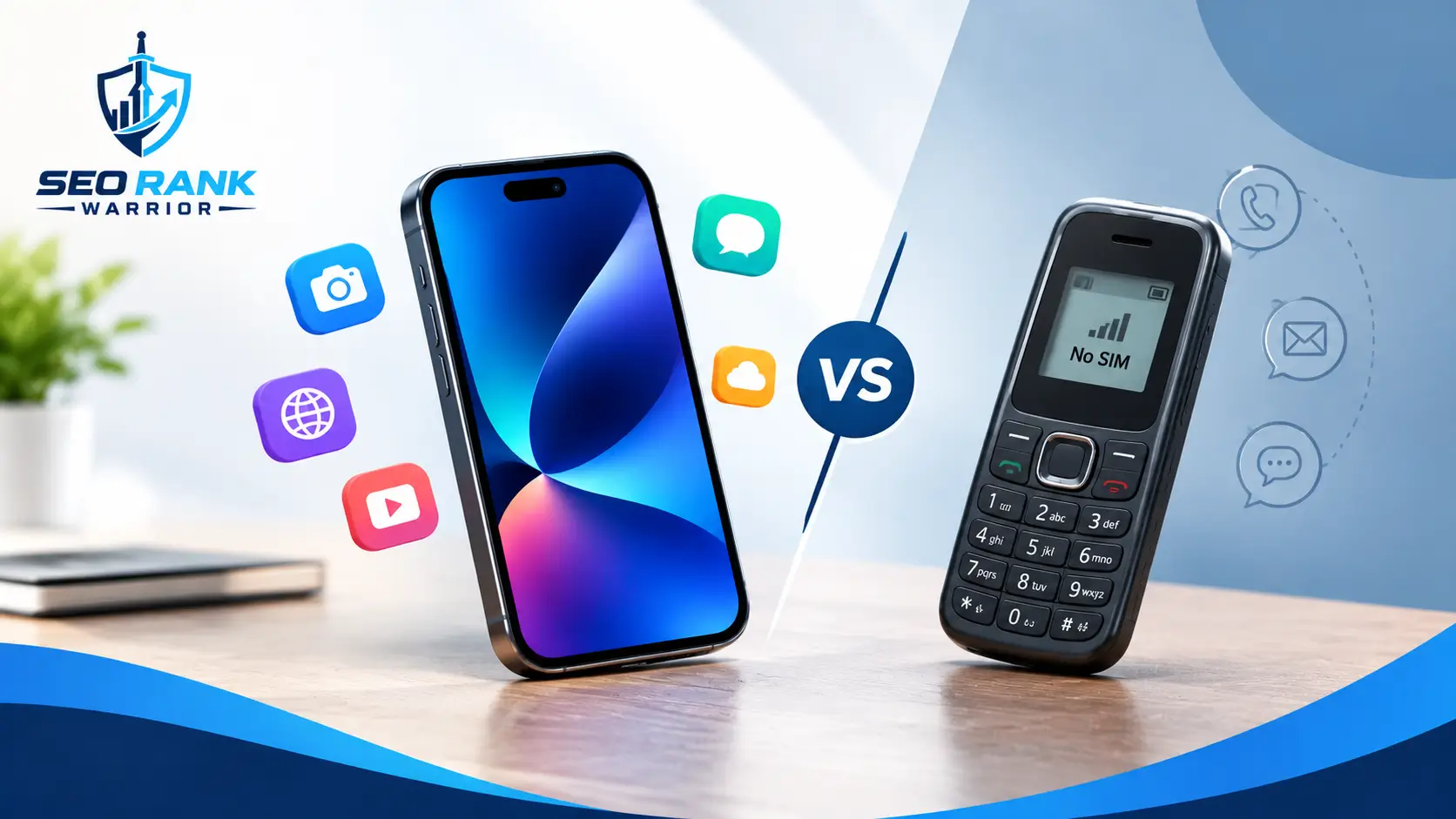
The line between a “mobile phone” and a “smartphone” comes down to three things: operating system, app support, and internet connectivity.
- Operating system: Smartphones run a full mobile OS (Android or iOS) that manages hardware, software, and multitasking similar in principle to Windows or macOS on a computer. Feature phones typically run stripped-down, closed software with fixed menus.
- Apps: Smartphones can download and install apps from an app store, letting users add new functionality whenever they want. Feature phones usually can’t.
- Connectivity: Smartphones are built around constant internet access for browsing, cloud storage, app updates, and real-time communication, while feature phones were designed primarily around voice calls and SMS.
Put simply, a feature phone lets you communicate. A smartphone lets you communicate, compute, and create.
A Brief History of the Smartphone
The smartphone didn’t appear overnight. The IBM Simon, released in 1994, is widely credited as the first true smartphone; it combined a mobile phone with a calendar, address book, and touchscreen. Devices like the BlackBerry later added email and physical keyboards for business users.
The real turning point came in 2007, when Apple’s first iPhone introduced a fully touchscreen interface and an app-based ecosystem, followed shortly after by Android-powered devices from Google and its hardware partners. From there, smartphones evolved rapidly: bigger screens, faster processors, multi-lens cameras, and now AI-driven features and foldable designs.
Key Features That Define a Smartphone
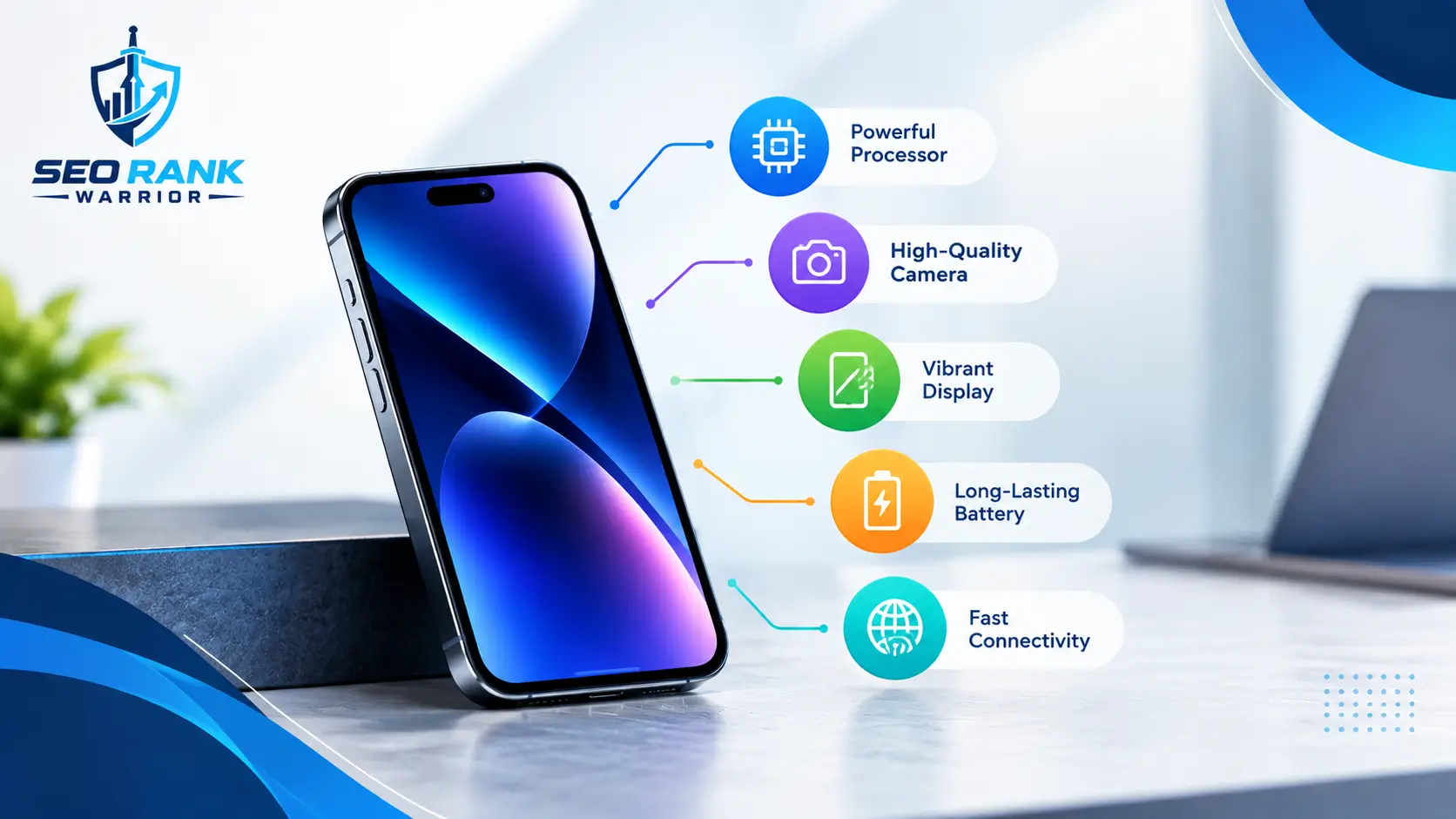
While designs vary by brand and price, most smartphones share a common set of core features:
- Touchscreen display: the primary way users interact with the device, replacing physical keyboards.
- Operating system (OS): Android or iOS, which manages apps, settings, and hardware.
- Mobile internet access: via 4G, 5G, or Wi-Fi, enabling browsing, streaming, and cloud syncing.
- App ecosystem: access to millions of apps through the Google Play Store or Apple App Store.
- Built-in: front and rear cameras for photos, video calls, and content creation.
- Sensors: GPS, accelerometer, fingerprint or face recognition, and increasingly, health sensors like heart-rate monitors.
- Storage and memory: with enough capacity to hold apps, photos, videos, and documents locally or in the cloud.
- Connectivity options: Bluetooth, NFC (for contactless payments), and SIM or eSIM support.
How Does a Smartphone Actually Work?
Under the hood, a smartphone functions much like a miniature computer, running the same kind of information technology systems found in laptops and servers. A processor (chip) handles all the calculations needed to run the operating system and apps, while RAM temporarily stores data for whatever you’re doing at that moment, keeping things running smoothly when you switch between tasks. Internal storage holds your apps, photos, and files permanently, and the battery powers the entire system.
The operating system sits on top of this hardware, acting as the bridge between the physical components and the apps you use every day. When you tap an app icon, the OS allocates processing power and memory to run it, communicates with the relevant sensors (camera, GPS, microphone), and manages your internet connection so the app can send or receive data.
This is also where the “smart” in smartphone comes from: the device isn’t just executing one fixed function, like a traditional phone dialing a number. It’s constantly running background processes, syncing with the cloud, and adapting to how you use it, which is why two people with the same smartphone model can have completely different experiences depending on the apps and settings they choose.
Types of Smartphones
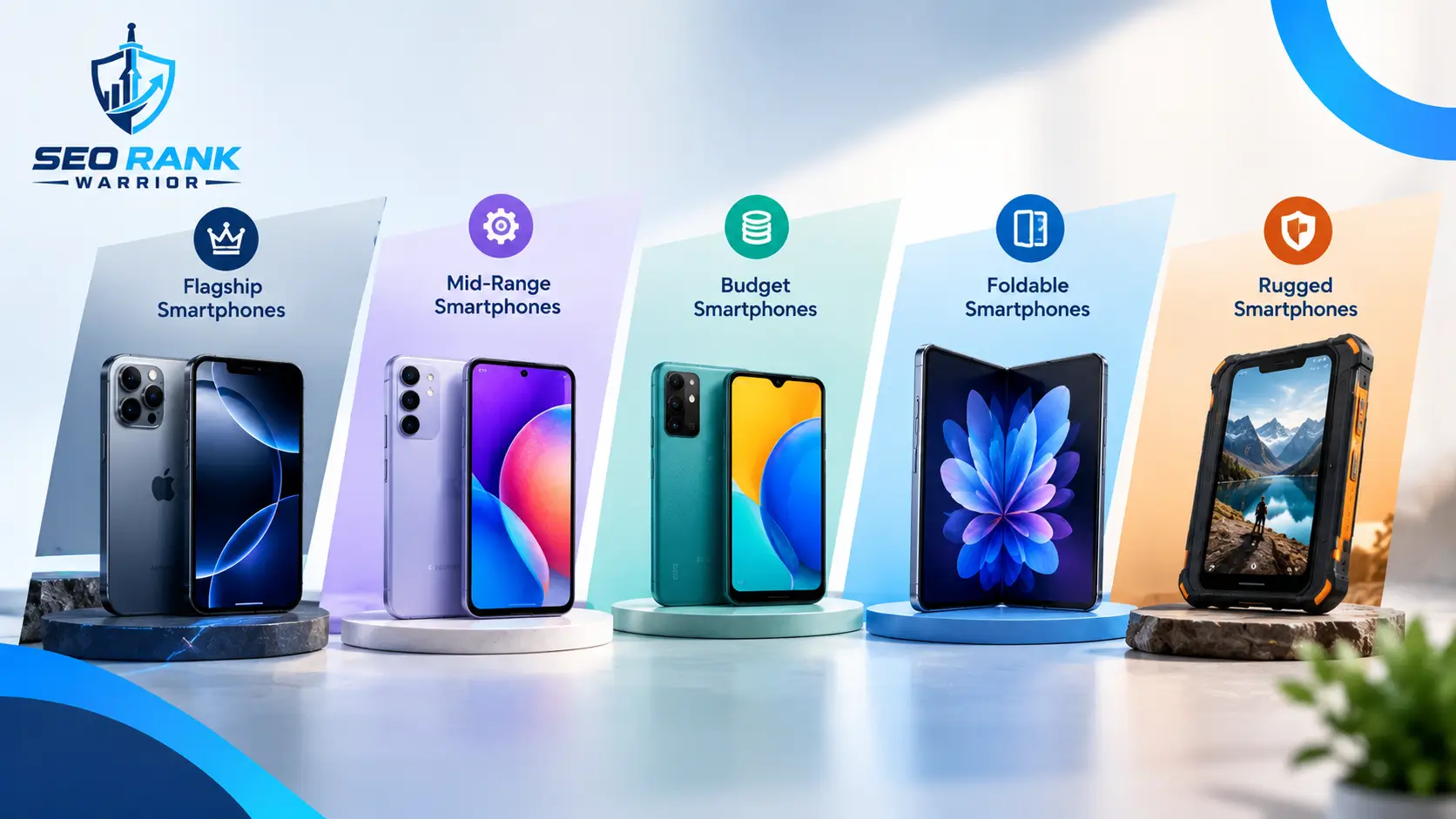
Smartphones are generally grouped in two ways: by operating system and by price tier.
By Operating System
- iOS (Apple) Powers iPhones exclusively. Known for a tightly controlled ecosystem, consistent software updates, and strong privacy features.
- Android (Google and partners): Runs on devices from Samsung, Google, Xiaomi, and many others. Offers more customization and a wider range of price points.
By Price Tier
- Entry-level (budget): Covers the basics: calls, messaging, browsing, and simple apps, usually with modest cameras and battery life.
- Mid-range: Balances price and performance, with capable processors, decent cameras, and enough power for everyday multitasking and social media.
- Flagship (high-end): Features the latest processors, high-resolution multi-lens cameras, premium displays, and advanced software features, usually at a premium price.
What Are Smartphones Used For?
Smartphones have moved far beyond calling and texting. Common everyday uses include:
- Communication: calls, texts, email, and messaging apps like WhatsApp or iMessage.
- Internet browsing: checking news, researching through search engines, or shopping on the go.
- Social media: connecting with friends, family, and brands through platforms like Instagram, Facebook, and TikTok, which have also become central channels for digital advertising.
- Navigation: GPS-based maps and real-time traffic updates for driving, walking, or public transport.
- Photography and video: capturing, editing, and sharing photos and videos instantly.
- Entertainment: streaming music, shows, and movies, or playing mobile games.
- Productivity: managing email, calendars, documents, and video calls for work.
- Health and fitness: tracking steps, sleep, heart rate, and workouts through built-in sensors and apps.
- Payments and banking: contactless payments, mobile banking, and money transfers.
- Smart home control: managing lights, thermostats, cameras, and other connected devices remotely.
Benefits of Using a Smartphone
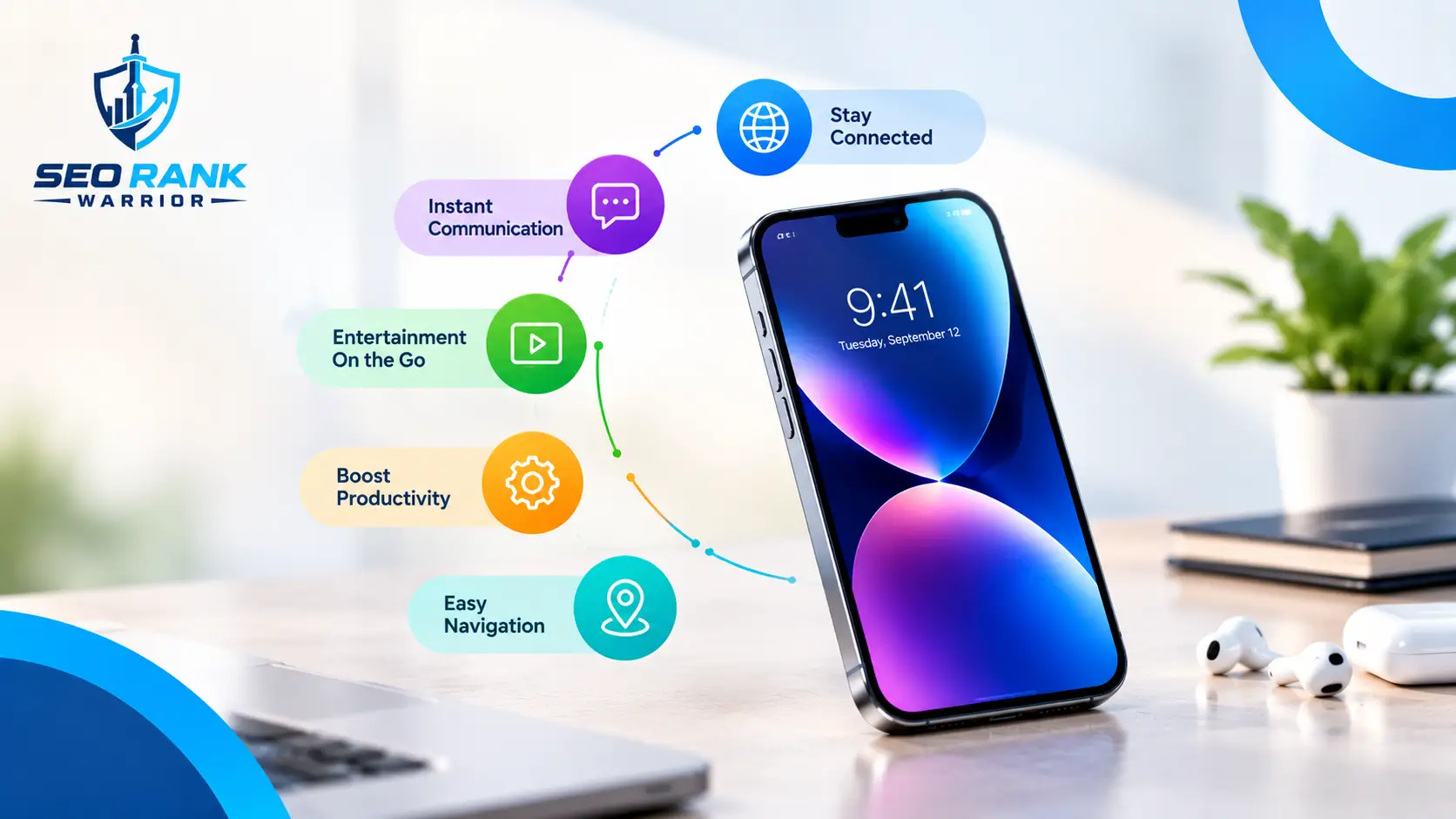
The appeal of smartphones goes beyond convenience:
- An all-in-one device: replaces cameras, GPS units, music players, and calculators.
- Constant connectivity: keeps you reachable and informed anywhere with signal or Wi-Fi.
- Access to information: instant answers, translations, and research at your fingertips.
- Productivity on the go: work, learning, and collaboration are no longer tied to a desk.
- Personalization: apps, widgets, and settings can be tailored to individual needs and habits.
Things to Consider Before Choosing a Smartphone
Not every smartphone suits every user. Before buying, it’s worth thinking through:
- Operating system preference: iOS for a closed, streamlined ecosystem; Android for flexibility and choice.
- Camera quality: important if photography or video is a priority.
- Battery life: heavy users of streaming, gaming, or navigation should look for larger batteries.
- Storage capacity: more storage matters if you save lots of photos, videos, or apps locally.
- Budget: flagship features come at a cost; mid-range devices often cover most everyday needs well.
- Software support: how many years of security and OS updates the manufacturer promises.
The Future of Smartphones
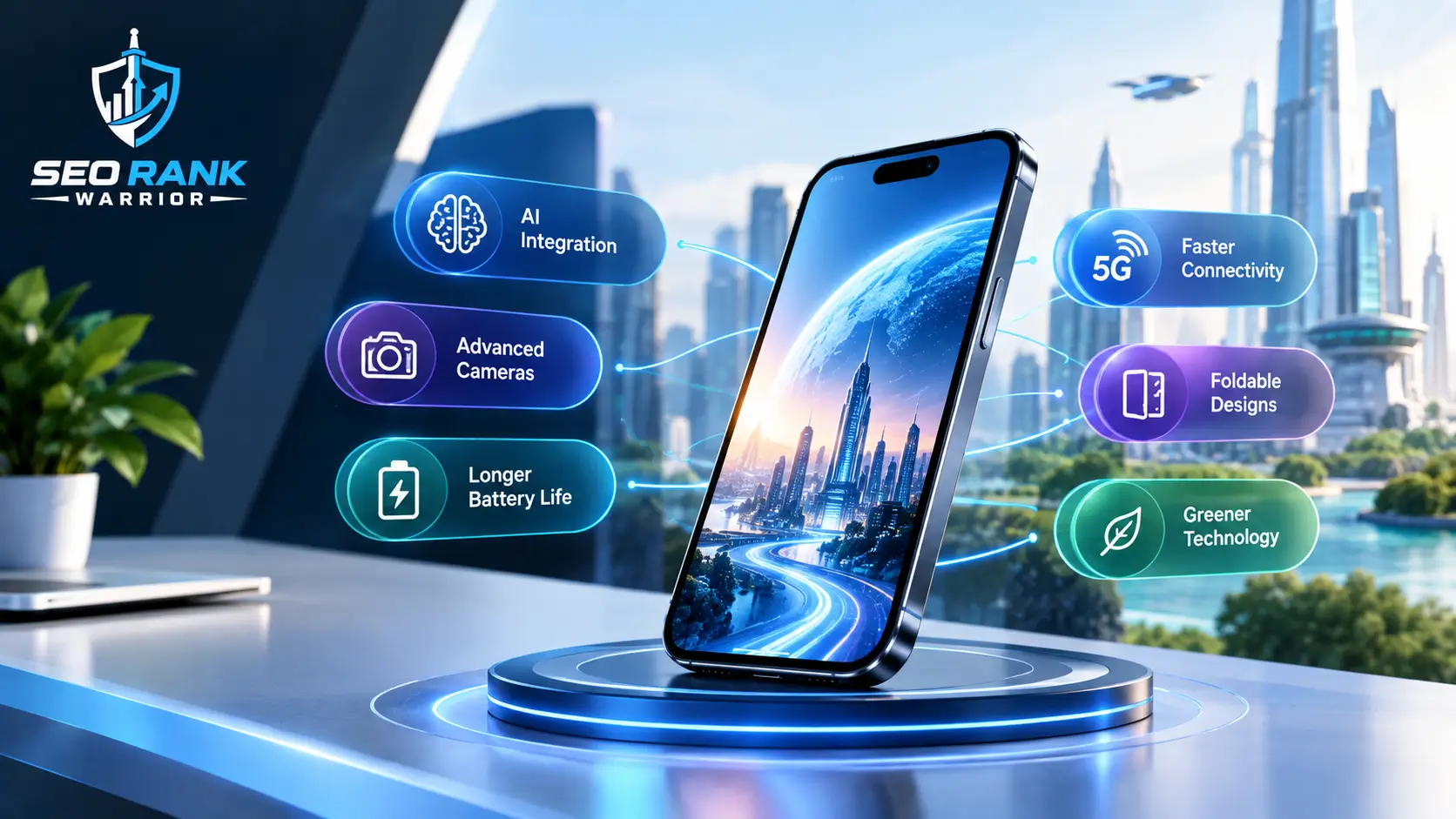
Smartphones continue to evolve. Expect to see deeper integration of on-device AI for tasks like real-time translation and photo editing, wider adoption of 5G (and eventually 6G) for faster connectivity, foldable and flexible screen designs becoming mainstream, and stronger privacy controls as regulations around personal data tighten. Smartphones are also increasingly becoming health-monitoring devices, with more advanced built-in sensors for tracking wellbeing.
FAQs – What Are Smartphones?
What is the main difference between a smartphone and a regular mobile phone?
A smartphone runs a full operating system and supports downloadable apps and internet browsing, while a regular (feature) phone is generally limited to calls, texts, and basic functions.
What was the first smartphone?
The IBM Simon, released in 1994, is widely regarded as the first smartphone, combining phone, calendar, and touchscreen features in one device.
Do I need mobile data to use a smartphone?
Not always. Many smartphone features, like taking photos or using offline apps, work without mobile data. However, browsing, streaming, and most app updates require either mobile data or Wi-Fi.
Which is better: iPhone or Android?
Neither is universally “better” it depends on preference. iPhones offer a consistent, tightly integrated ecosystem, while Android devices offer more customization and a wider range of price points.
How long do smartphones typically last?
With proper care, most smartphones last 3–5 years before performance or battery life noticeably declines, though software support timelines vary by brand and model.
Conclusion
A smartphone is far more than a phone that makes calls; it’s a computer, camera, GPS, entertainment hub, and personal assistant combined into a single pocket-sized device. Understanding what defines a smartphone, from its operating system to its app ecosystem, makes it easier to see why these devices have become central to modern life and to choose the right one for your own needs, whether that’s a budget-friendly option or the latest flagship release.