
AI glasses turn an ordinary pair of frames into a hands-free assistant. You speak, the glasses listen, and an AI model answers through speakers built into the temples. Some models also carry a camera, so the assistant can describe what you are looking at.
This guide explains what AI glasses are, how they work, and which types you can buy in 2026. It also compares AI glasses with AR glasses and offers a simple checklist, so you can choose a pair that fits how you actually live.
What Are AI Glasses?
AI glasses are wearable eyewear that combine regular-looking frames with computing hardware and an artificial intelligence assistant. Most models include open-ear speakers, several microphones, and a wireless link to your phone. Many also add a small camera. Together, these parts let you talk to an assistant, take photos, play music, and answer calls without reaching for your phone.
The term overlaps with smart glasses, and people often use the two interchangeably. In practice, AI glasses usually describe the lightweight, everyday kind, where the assistant is the main feature. Ray-Ban Meta glasses and other Meta AI glasses are the best-known examples, while brands such as Rokid and Lucyd sell alternatives.
What separates AI glasses from earlier gadget eyewear is the software. The frames capture your voice and, on some models, what the camera sees. An AI model interprets that input and replies through the speakers. Wearable AI works best when it stays out of the way: there is no screen to stare at, only a voice that answers when you ask.
People choose them for different reasons. Some want a camera that is always ready, some want a discreet audio device, and others want help with reading, translation, or low vision. Because the use cases differ so much, the right model depends on the job you have in mind.
How Do AI Glasses Work?
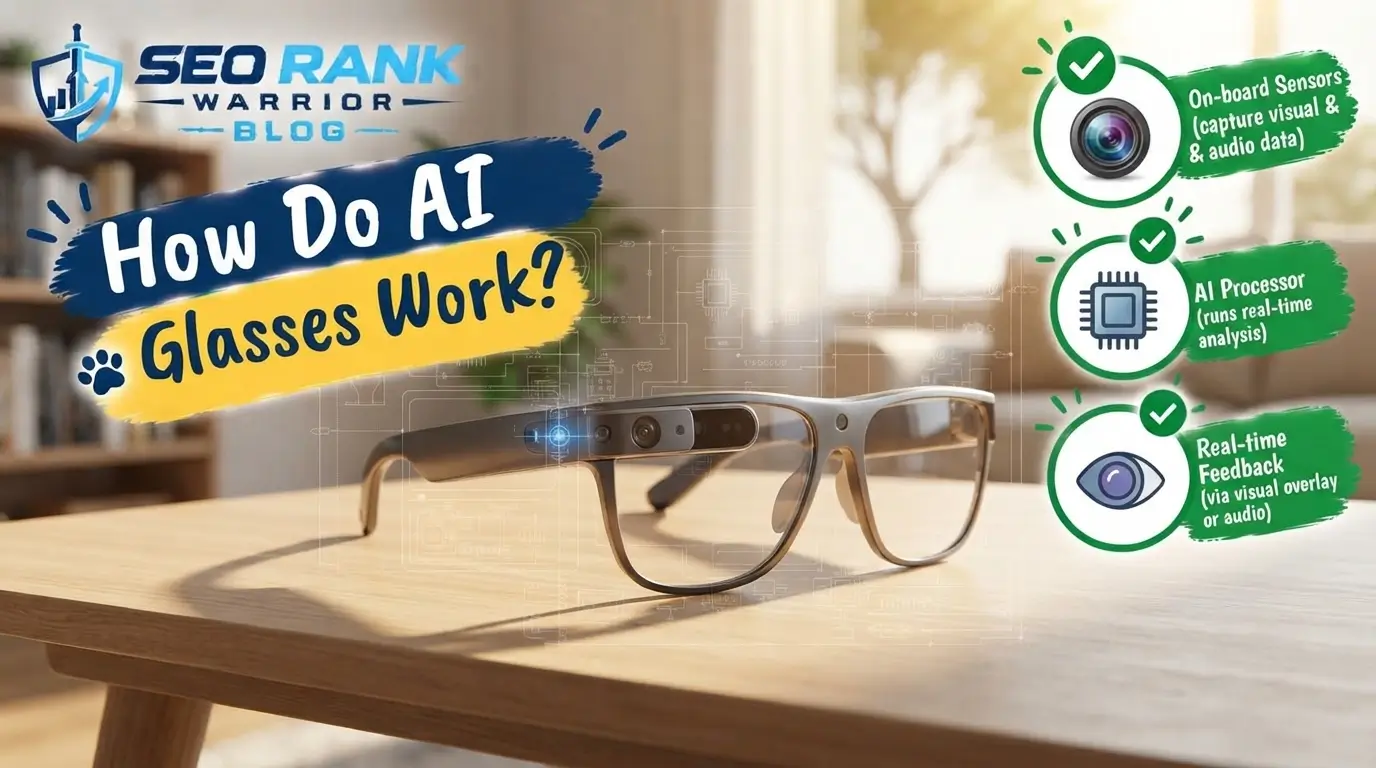
AI glasses rely on a few small components that act as one system. Understanding each part makes it easier to compare models.
Camera, Microphones and Speakers
Microphones in the frame pick up your voice, and a wake phrase starts the assistant. On AI glasses with a camera, a tiny lens in the front captures photos and video and can show the assistant what is in front of you. The Ray-Ban Meta (2nd Gen), for example, uses a 12MP ultrawide camera and records 3K video, according to Forbes Vetted testing.
Speakers sit in the temples, close to your ears. Because the audio is open-ear, you hear the sound without blocking out the world around you. Testers compared the quality to open earbuds, with voices in podcasts and phone calls sounding especially clear.
AI Assistant and Phone Connection
The glasses connect to your phone over Bluetooth and Wi-Fi. Much of the heavy processing happens through the companion app and the cloud, not inside the frame. That is why a first request can take a few seconds and may sometimes need the app reopened. Follow-up questions asked right away are usually quicker, and with Meta’s assistant you may not need to repeat the wake word.
Not every pair carries its own assistant. The Lucyd Lyte, for instance, links to ChatGPT through its mobile app instead.
Battery Life and Charging
Most wireless AI glasses are rated for around eight hours of mixed use. A charging case can stretch that further: the Ray-Ban Meta (2nd Gen) is listed at up to eight hours, or up to 48 hours with its case. Heavy camera use and music playback drain the battery faster, so real-world time varies.
Types of AI Glasses
AI glasses are not one product. They fall into four practical groups, each built for a different job.
AI Glasses with Camera
AI glasses with a camera combine the assistant with hands-free photo and video. You can ask about an object, a sign, or a room, and the glasses answer out loud. Ray-Ban Meta (2nd Gen), Meta AI Glasses, and Rokid AI Glasses belong here. They suit people who want to capture moments without a phone or who want spoken descriptions of their surroundings. The trade-off is visibility. A camera on the front draws attention, and testers reported strangers asking whether the glasses were camera or AI glasses.
Audio-Only AI Glasses
Audio-only models drop the camera and focus on sound, calls, and notifications. The Lucyd Lyte is a good example. It looks close to an ordinary pair of glasses and feels lighter because there is no camera. It connects to ChatGPT through an app, but it lacks voice commands, so you double-press a button to call your phone’s assistant.
AI Glasses with Heads-Up Display
Some AI glasses add a tiny display that places text in your field of view. The Even Realities G2 uses a small monochrome micro LED display and has no camera. Forbes Vetted testers valued its quick answers and teleprompter feature, and its battery lasted about two days. The Meta Ray-Ban Display goes a step further with an in-lens display and a wristband that reads hand gestures, though Forbes lists it as still under testing.
AR Display Glasses (Cabled)
AR glasses such as the Viture Beast XR, RayNeo Air 4 Pro, and XREAL One connect through a USB-C cable and project a large virtual screen. Forbes describes screens of up to 174 inches on the Viture Beast XR and a 200-inch HDR display on the RayNeo Air 4 Pro. They have no built-in battery because they draw power from the connected device, and some include no AI assistant at all. They suit movies, work, and gaming rather than walks outside.
AI Glasses vs Smart Glasses vs AR Glasses
Smart glasses are the umbrella term. AI glasses are one branch: wireless, assistant-led, and designed for daily wear. AR glasses are another: display-led, usually tethered, and built to create a private virtual screen.
Avi Greengart, president and lead analyst at Techsponential, draws the line in similar terms in Forbes Vetted’s guide. If you want a private screen for your phone or laptop, display glasses from XREAL, Rokid, or RayNeo do that well. If you want an assistant that can see your surroundings while you walk around, AI glasses from Meta and EssilorLuxottica fit better.
A quick rule for smart glasses vs AR glasses: pick AI glasses for the street, and AR glasses for the airplane seat or the desk. Some products blur the line, such as glasses with a small display and an assistant, so check the feature list instead of relying on the label.
What Can AI Glasses Do in Everyday Life?
The best uses are small, repeated moments rather than big demonstrations.
- Capture photos and video hands-free. A Forbes Vetted tester liked recording a concert without fishing a phone out of a pocket. Some models also offer slow-motion video.
- Ask questions and get descriptions. In testing, one pair accurately described a desk layout when asked what the wearer was looking at. For people with low vision, that kind of spoken description could be useful.
- Navigate by voice. The Ray-Ban Meta (2nd Gen) can give turn-by-turn directions in your ear. During testing, it worked with Apple Maps but not Google Maps, so check support before you buy.
- Listen and talk. Music, podcasts, and phone calls play through the open-ear speakers, which keeps your ears free for traffic and conversation.
- Translate and read prompts. Some models include live translation, and display glasses can show a teleprompter. One tester used the Even Realities G2 teleprompter to deliver a speech.
- Stay hands-free while busy. Cooking, cycling, commuting, or carrying bags are moments when asking a question out loud beats reaching for a phone.
- Keep a record of past answers. The Meta app saves your chats, so you can reopen an old question later.
These tasks look modest, but they add up. Each one replaces a moment of pulling out a phone, unlocking it, and typing, which is the real promise of AI glasses.
Popular AI Glasses Models in 2026 at a Glance
The list below draws on hands-on testing published by Forbes Vetted in mid-2026. It is a snapshot, not a ranking of every model.
- Ray-Ban Meta (2nd Gen): Named best overall by Forbes Vetted. It offers a 12MP camera, Meta AI, and up to eight hours of battery, with up to 48 hours using the case. It also supports prescription lenses. The main complaint is that the camera and logo make it easy to spot as tech.
- Meta AI Glasses: The value pick, listed by Forbes at around $180 below the top pick. The Fury design is a little bulkier, but adjustable nose pads and ear hooks help with fit. The case is less rigid.
- Rokid AI Glasses: Light, with a built-in camera and an assistant of its own. Forbes calls it a favorite alternative to Meta, though one tester saw long waits for some answers, and the case does not charge the glasses.
- Lucyd Lyte: A camera-free, audio-focused pair that connects to ChatGPT through an app. Battery life is long, but there are no voice commands.
- Even Realities G2: A display-based pair with no camera or audio, aimed at subtle text prompts. Its monochrome display and two-day battery stood out in testing.
- Meta Ray-Ban Display: Forbes was still testing this model, with its in-lens display and neural wristband, at the time of writing.
- Viture Beast XR, RayNeo Air 4 Pro, and XREAL One: Cabled AR glasses for large virtual screens. Forbes Vetted rated the first two 4.5 out of 5 and the XREAL One 4 out of 5.
Specs, software, and prices change often, so check each maker’s current page before you decide.
How to Choose the Right AI Glasses
Start with what you want the glasses to do, then work through these points.
- Purpose. Decide between an assistant that goes with you, a private screen, or simple audio. This one choice rules out most models.
- Camera or no camera. A camera adds photos and visual questions. It also raises privacy questions and draws attention. Camera-free pairs feel more discreet.
- Prescription support. If you wear corrective lenses, check that the frames accept prescription lenses. Ray-Ban Meta glasses, Meta AI Glasses, and the Lucyd Lyte all offer prescription options, which makes them workable prescription AI glasses for many wearers.
- Comfort and weight. You may wear them for hours. Look for adjustable nose pads and a weight that suits you.
- Battery life. Forbes suggests at least eight hours of mixed use for wireless models. A charging case is a bonus.
- Phone and app compatibility. Assistant features run through an app, so confirm it works with your phone and with the maps and music services you use.
- Ongoing costs. Some AI software moves to a subscription after the first year, as with the L’Atitude 52°N glasses, and other brands list paid plans.
- Budget. Compare what each feature adds against the price, since cheaper models often share the same camera as pricier ones.
- Return policy. Fit and comfort are personal, so check the return window and try the glasses on if possible before committing.
Privacy, Limitations and Things to Consider

A visible camera on your face affects other people, not just you. Many venues, workplaces, and private spaces restrict recording, so follow local rules and ask when in doubt. Etiquette matters too: a quick mention to people nearby that your glasses have a camera can prevent awkward moments. Review the companion app’s privacy settings as well, because your voice requests and chats pass through it and may be saved.
Performance has limits. Responses can be slow; they depend on your phone connection, and the assistant is not always right, so double-check anything important. Battery life will not stretch across a long day on every model, and design still varies: some pairs are bulky, and most still look like technology.
Finally, weigh the benefit honestly. If you rarely use voice assistants or take photos, AI glasses may stay in the case.
The Future of AI Glasses
The category is moving quickly. Google, Samsung, Warby Parker, and Gentle Monster previewed Android XR glasses at Google I/O 2026, and Bloomberg has reported that Apple is aiming to reveal its first smart glasses by the end of 2026, with a retail launch expected in 2027. These plans may change, so treat them as reports rather than promises.
Display technology is another area to watch. Glasses that show a small amount of text, like the Even Realities G2 and Halliday G2, hint at how information may appear in your line of sight without a phone screen.
Glasses are also becoming one of several places where an AI assistant lives, alongside phones, earbuds, and AI robots for the home. Prescription-first frames, better displays, and faster assistants are the likeliest areas of improvement.
FAQs – AI Glasses
What are AI glasses used for?
AI glasses are used for hands-free tasks: asking questions, taking photos and video, playing music, making calls, getting directions, and, on some models, translating speech or showing text. They suit anyone who wants quick help without picking up a phone.
Are AI glasses the same as smart glasses?
Not exactly. Smart glasses are the broader category. AI glasses are a type of smart glasses built around an assistant, usually wireless and worn all day. AR glasses are another type, designed mainly to show a large virtual screen.
Do AI glasses work with prescription lenses?
Many do. Ray-Ban Meta glasses, Meta AI Glasses, and the Lucyd Lyte can be fitted with prescription lenses. Support varies by model, so check each pair’s lens options and confirm your prescription is covered before ordering.
How long does the battery of AI glasses last?
Most wireless pairs are rated at about eight hours of mixed use, and charging cases can add more. The Ray-Ban Meta (2nd Gen) is listed at up to eight hours, or up to 48 with its case, while the Even Realities G2 lasted about two days in testing. Camera use shortens runtime, and cabled AR glasses have no battery at all.
Are AI glasses safe for privacy?
They can be used responsibly, but they need care. A camera can record other people, so respect local rules and venue policies. Check the app’s privacy settings, understand what data is stored, and consider a camera-free pair if recording is a concern.
Conclusion
AI glasses bring an assistant, a camera, and open-ear audio into a frame you can wear all day. The right pair depends on your goal: a camera model for photos and visual questions, an audio-only pair for discretion, a display model for text prompts, or AR glasses for a large private screen.
Start with the job you want done, check prescription support and battery life, and review the privacy settings before you wear them in public. With that approach, the best AI glasses for you will be easy to spot.