
You use software every time you unlock your phone, check your bank balance, or open a web page. But if someone asked you, “What is software?”, could you answer in a sentence? Most people struggle, and that’s understandable. Software is invisible, so it’s easy to take for granted.
This guide gives you a clear, plain-English answer. You’ll learn the software definition, how software works, the main types of software with real examples, and how to keep it safe and up to date.
What Is Software? A Simple Definition
Software is a set of instructions that tells a computer or device what to do. You can’t touch it. It’s made up of code, data, and programs that run on hardware, meaning the physical parts such as the processor, screen, and keyboard.
A handy way to picture it: hardware is the body and software is the mind. A brand-new laptop with no software is just a shiny box. Add an operating system and a few applications, and suddenly it can send emails, edit photos, and host video calls.
How Does Software Work?
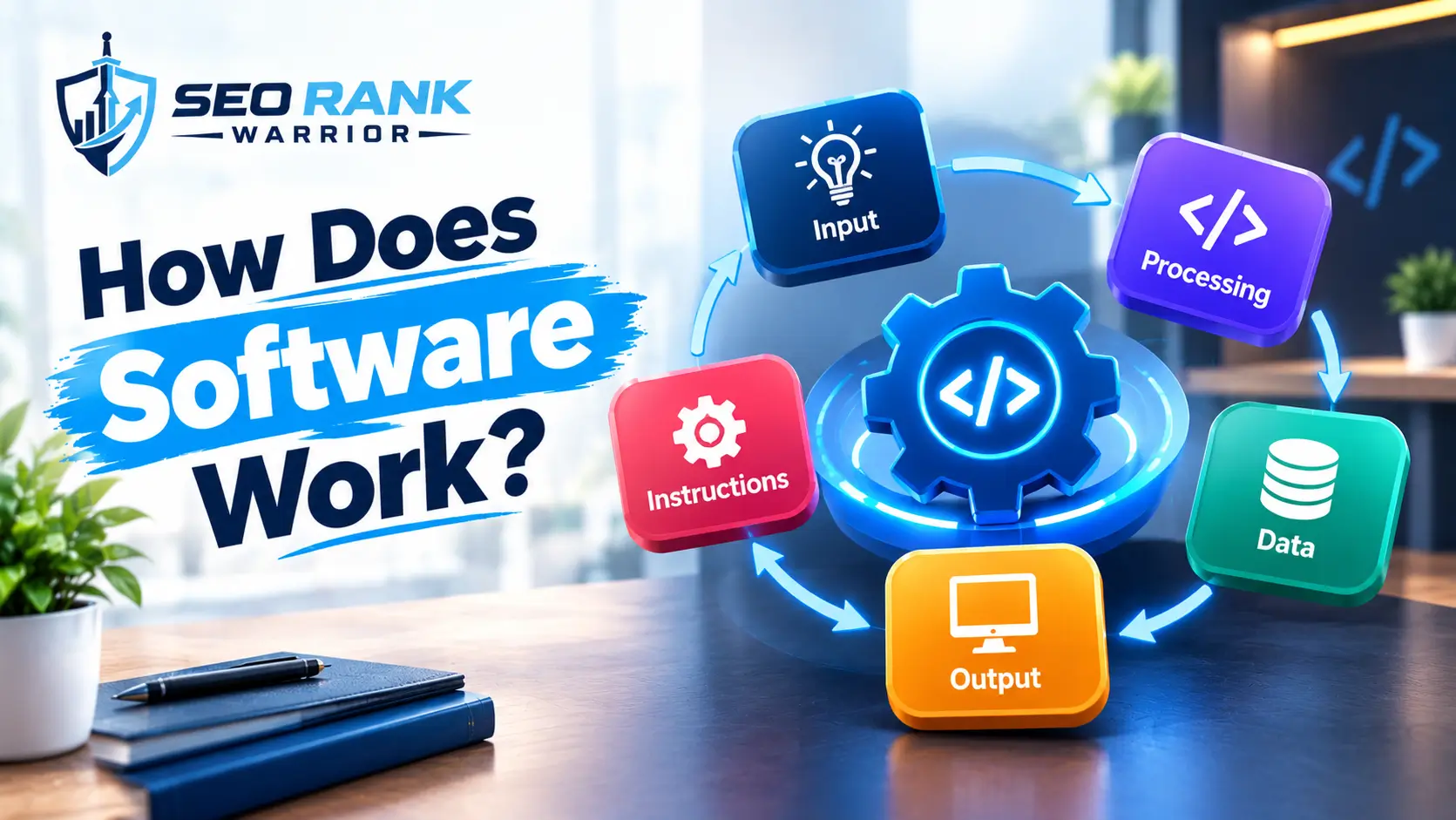
Behind every tap and click sits a chain of events. Here’s how software works in five steps:
- A developer writes source code in a programming language such as Python, Java, or JavaScript.
- A compiler or interpreter translates that code into machine code, the binary instructions a processor understands.
- When you open the program, the operating system loads it into memory.
- The processor carries out the instructions one after another, billions of times every second.
- The result appears on screen, or gets saved, printed, or sent across a network.
Computer scientists call this “executing” the code. Take something as simple as pressing Send in an email app. The app notices your tap, packages your message, asks the operating system to use the internet connection, and shows a confirmation. You see one tap. The device performs thousands of instructions.
Software also works in layers. System software sits closest to the hardware. Application software sits on top and talks to system software rather than the hardware directly. This layered design is why one app can run on many different devices without being rewritten from scratch.
Main Types of Software
There are several types of software, and each has its own job. The main ones are system software, application software, programming software, utility software, and drivers and middleware. Here’s what each one does, with real examples.
System Software
System software runs the device and manages its hardware. It starts when you switch on and keeps going until you shut down. The operating system (OS) is the best-known example, such as Windows, macOS, Android, or iOS. Most people never interact with it directly, yet nothing else works without it. On phones and tablets, Android and iOS do the same job. Without an operating system, an app has no way to talk to the screen, memory, or storage.
Application Software
Application software helps you complete specific tasks. Web browsers, word processors, spreadsheets, photo editors, and messaging platforms all fall into this group. Some are desktop programs installed on your computer. Others are web applications that run in a browser, so they work on Windows, Mac,c or Linux without installation. Examples of software in this group include Microsoft Word, Google Chrome, Xero for bookkeeping, and Slack for team chat.
Programming Software
Developers use programming software to build other software. It includes code editors, compilers, debuggers, and version-control tools such as Git. If application software is the finished house, programming software is the toolbox. Popular tools include Visual Studio Code, along with languages such as Python and JavaScript.
Utility Software
Utility software looks after the health of your system. Antivirus tools, backup programs, disk clean-up tools, and password managers all belong here. Think of them as the caretakers. Backup tools, for instance, quietly copy your files so a failed drive doesn’t mean lost work.
Drivers and Middleware
Drivers let your computer communicate with devices such as printers, keyboards, and headphones. Middleware sits between different programs, or between an application and the operating system, so they can share data. Both are usually classed as forms of system software, and you’ll rarely notice them until something stops working.
Software by Licence and Delivery

Software can also be grouped by how it’s owned and delivered.
- Proprietary software belongs to the company that made it. You pay for a licence to use it, but you can’t change the code. Microsoft Office and Adobe Photoshop are typical examples.
- Open-source software publishes its source code so anyone can inspect, modify,y and share it. Linux, Firefox, VLC, C, and WordPress are well-known examples.
- Freeware costs nothing to use, though the code usually stays private.
- Software as a Service (SaaS) runs in the cloud, and you pay a subscription to use it through a browser. Microsoft 365, Xero and Google Workspace work this way.
Businesses also face a choice between off-the-shelf and bespoke software. Off-the-shelf products are ready-made for a mass market, so they’re quick to start with and usually cheaper. Bespoke software is built around one organisation’s exact processes. It costs more upfront but fits like a tailored suit. Most small firms begin with off-the-shelf tools and only commission a custom build when standard products start creating bottlenecks.
Software vs Hardware vs Firmware
When people ask “what is software?”, the next question is usually how it differs from hardware and firmware. Here’s a clean split.
Hardware is anything physical: the processor, memory, hard drive, screen, and keyboard. Software is the digital set of instructions that directs that hardware. Neither is much use without the other.
Firmware sits in between. It’s a specialised type of low-level software stored permanently on a device to control its basic functions. Your router, printer, smart TV, and your computer’s BIOS all run firmware. You rarely touch it, and updates come less often than app updates, but they matter just as much for security.
Everyday Examples of Software
Once you start looking, software is everywhere:
- Your phone’s operating system and every app on it
- Online banking and the NHS App
- Sat-nav and maps
- Streaming services such as Netflix
- Smart TVs, thermostats and even a car’s dashboard
- The WordPress or Wix website that represents a business online
That last one is close to home for us. When we build a WordPress site for a client, the theme, plugins, and content management system are all software, working together with a hosting server to deliver the page you see.
Why Does Software Matter?
Software matters because it turns general-purpose machines into specific solutions. A single laptop can act as an accounting system, a design studio, or a classroom, depending only on what you install. For businesses, that flexibility brings real benefits:
- Efficiency: automating repetitive jobs such as invoicing frees up hours every week.
- Accuracy: calculations and data checks run the same way every time.
- Reach: an online shop or booking system keeps working while you sleep.
- Insight: analytics tools turn raw figures into decisions.
For individuals, software puts banking, healthcare, learning, and entertainment on a device in your pocket. The catch is that we now depend on it heavily, which is why quality, security, and ongoing support matter so much.
How Software Is Built
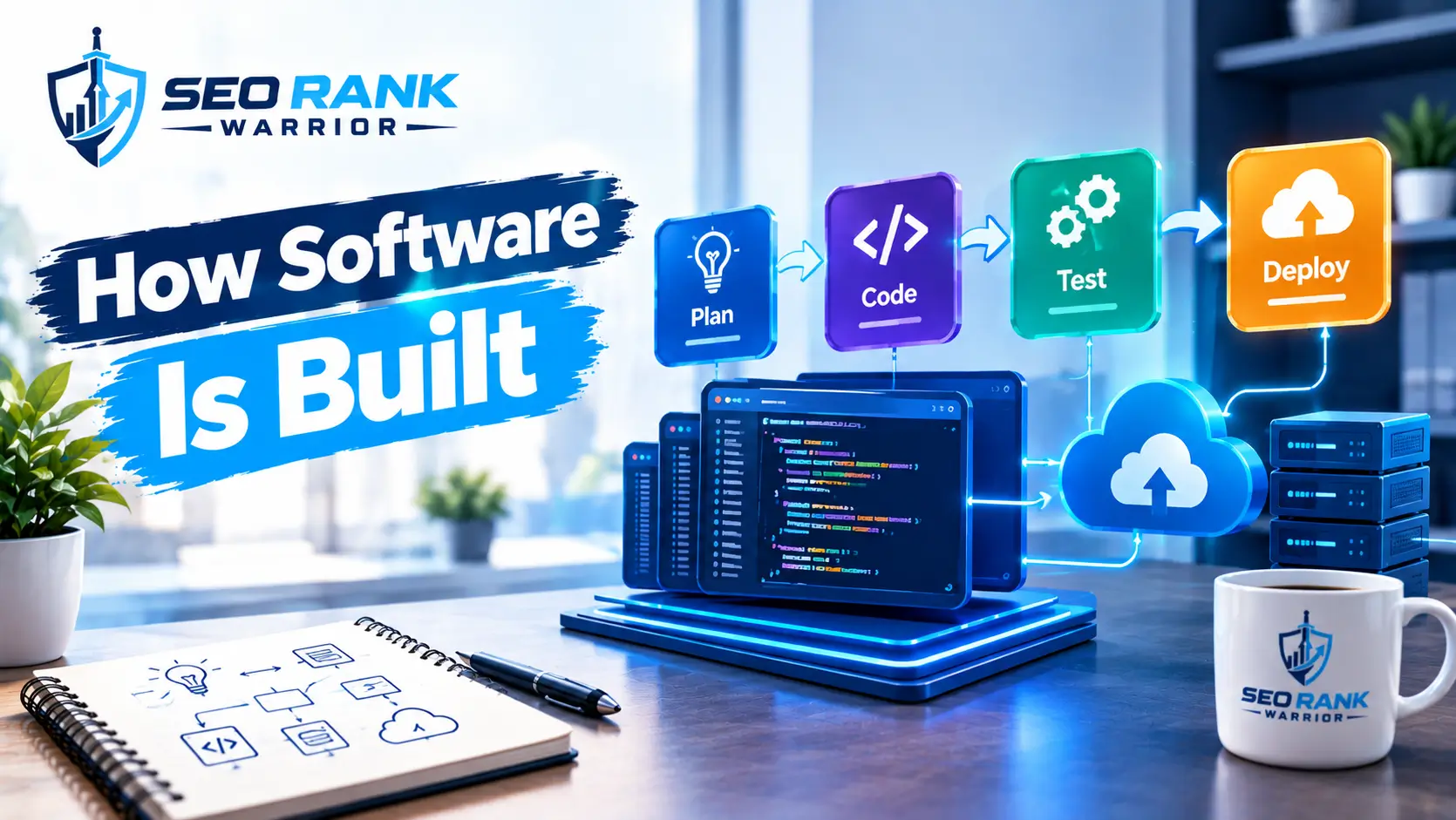
Reliable software rarely appears overnight. Most teams follow the software development life cycle (SDLC), which moves through six broad stages: planning, requirements analysis, design, development, testing, and maintenance.
Maintenance deserves special attention because it never really ends. Developers fix bugs (corrective), keep the software compatible with new devices and operating systems (adaptive), improve performance or usability (perfective), and tidy the code to prevent future failures (preventive). Software that isn’t maintained ages quickly and becomes a security risk.
Modern teams often work with DevOps, an approach that brings developers and IT operations together and uses automation to release improvements faster and more safely.
A Short History of Software
The answer to “what is software?” has changed a lot over the decades. The term itself is surprisingly young.
- 1948: Tom Kilburn is credited with writing the first program to run on the Manchester Baby, an early computer at the University of Manchester.
- 1958: Statistician John Tukey used the word “software” in print.
- 1981: MS-DOS launched, and commercial software reached ordinary consumers.
- 1999: Salesforce pioneered delivering software over the internet.
- 2007: The iPhone arrived, and mobile apps took off.
- 2020s: AI features are now being built into everyday software.
Why Software Updates and Security Matter
Updates aren’t a nuisance. They’re one of the simplest ways to stay safe. The UK’s National Cyber Security Centre (NCSC) advises applying app and device updates as soon as they’re available, because they include protection against malware, and recommends turning on automatic updates where possible. It also warns that older devices eventually stop receiving updates.
A few practical habits help:
- Turn on automatic updates.
- Download software only from official app stores and manufacturer websites.
- Update routers, smart TVs and other connected devices too.
- Replace hardware or software that is no longer supported.
Where Software Is Heading
Three shifts stand out. First, AI is moving from standalone chatbots into everyday tools, helping to write text, analyse data and automate routine work. Second, cloud delivery and SaaS keep replacing installed programs, so updates now arrive quietly in the background. Third, low-code and no-code platforms let people with little technical background build simple apps themselves, although complex, regulated work in finance and healthcare still relies on professional engineers. Sustainability is emerging too, as developers look for ways to cut the energy that heavy computing uses.
How to Choose the Right Software
With thousands of options for almost every task, picking software can feel overwhelming. These questions cut through the noise:
- What problem are you solving? Write it down in one sentence before you look at any product.
- Who will use it? A tool your team dislikes won’t get used, however powerful it is.
- Does it work with what you already have? Check integrations with your website, accounting, and email tools.
- What’s the full cost? Include subscriptions, training, and support, not just the headline price.
- How secure is it? Look for regular updates, clear data-protection terms, and a reputable vendor.
Free trials are your friend. Spend a week testing before you commit, and involve the people who’ll use the software daily. If it handles customer details, UK GDPR applies, so check where the data is stored and who can access it.
FAQs – What Is Software?
What is software in simple words?
Software is the set of instructions that tells a computer or phone what to do. You can’t touch it, but you use it constantly, from the operating system that runs your device to the apps you open every day.
What are the main types of software?
The four most common types of software are system software, application software, programming software, and utility software. Drivers and middleware are also widely recognised and are usually treated as forms of system software.
What is the difference between software and hardware?
Hardware is the physical equipment you can touch, such as the processor, screen, and keyboard. Software is the digital code and programs that tell that hardware what to do. A device needs both to work, but only software can be changed or updated without replacing physical parts.
Is an app the same as software?
Not quite. An app is one kind of software, specifically application software designed to help you complete a task. Software is the wider term and also includes operating systems, drivers, utilities and programming tools.
Why does software need updates?
Updates fix bugs, close security gaps, improve performance and add features. Software that isn’t updated becomes unreliable and vulnerable, which is why the NCSC recommends installing updates promptly and switching on automatic updates.
Conclusion
So, what is software? It’s the set of instructions, programs, and data that turns physical hardware into something genuinely useful. It comes in different types, from system software and application software to programming tools and utilities, and it can be proprietary, open-source,e or delivered as a cloud subscription.
Understanding the basics helps you choose better tools, spot risks sooner, and talk to developers with confidence. Keep your software updated, download from trusted sources, and pick the right type of solution for the job in front of you.