
Every week, someone you know receives a message that looks real but is not. It might be a bank alert, a courier notice, or a WhatsApp message from a “relative” who suddenly needs money. One careless tap, and an account is emptied or a laptop is locked.
The good news is that most attacks work because of small mistakes that are easy to fix. This guide shares 15 practical cybersecurity tips for home, work and small business, explained in plain language. If you have ever wondered how to stay safe online, these steps are a good place to start, and most take only a few minutes.
What Are Cybersecurity Tips and Computer Security Advice, and Why Do They Matter?
Cybersecurity tips are simple habits and settings that protect your accounts, devices and personal data from hackers, scammers and malware. Computer security advice is the part of that guidance focused on your laptop or desktop and the software running on it, such as updates, antivirus and backups.
Why does this matter so much today? Because almost everything we do now runs through a screen. Banking, shopping, study, freelancing, government services and family chats all depend on online accounts. When one account is stolen, the damage rarely stays there. Attackers reuse stolen passwords on other sites, message your contacts pretending to be you, and sometimes sell your data to other criminals.
Many people believe hackers only chase big companies. In reality, attackers prefer easy targets, and individuals and small businesses are usually easier than large firms with security teams. Organisations such as the UK’s National Cyber Security Centre (NCSC) and the Center for Internet Security (CIS) both stress that personal responsibility is part of security, and that a few consistent habits block most common attacks.
Common Cyber Threats You Should Know About
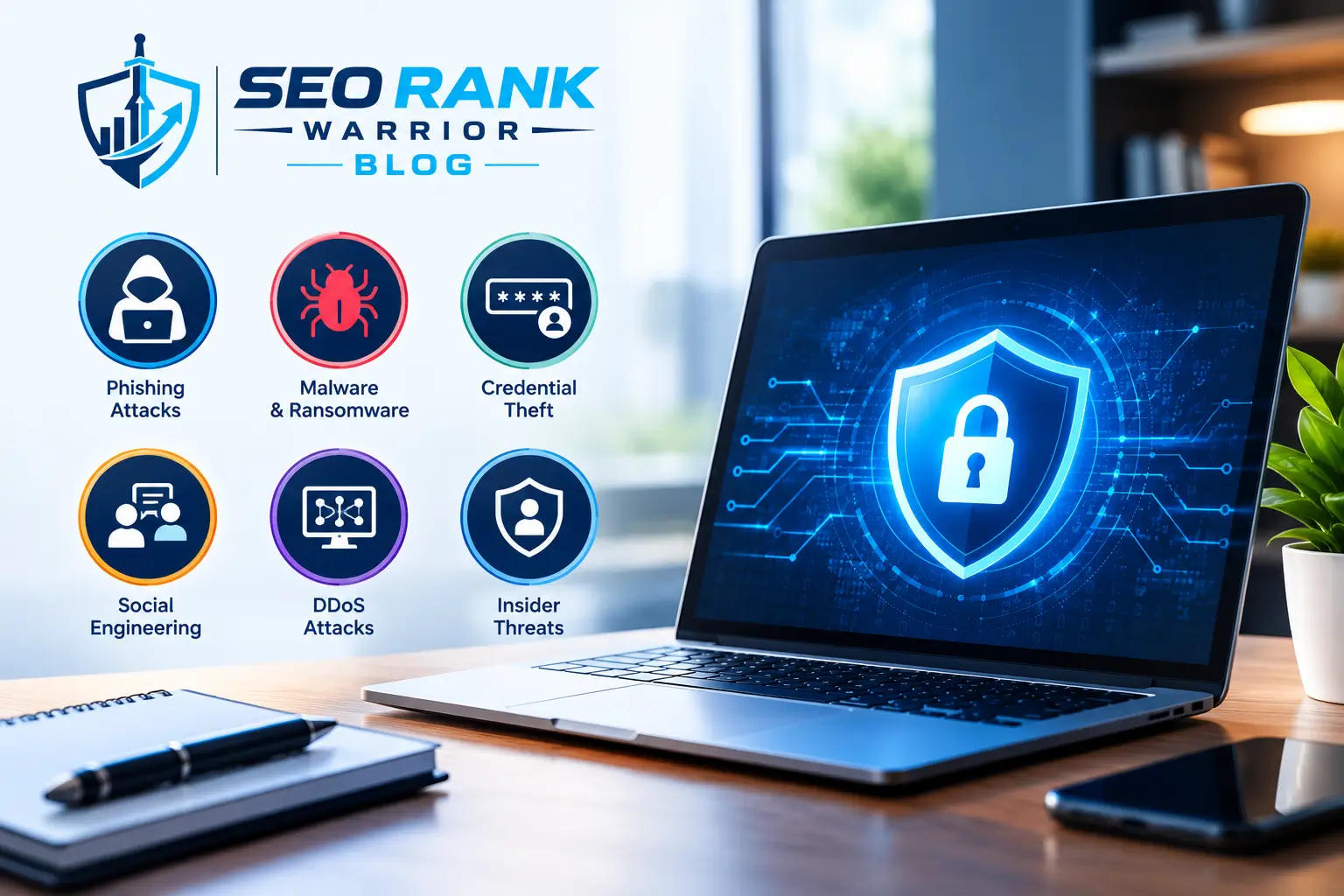
Before the tips, it helps to know what you are defending against. These five threats cause most everyday security problems, and each one is addressed by the cybersecurity tips that follow.
Phishing and Smishing
Phishing uses fake emails to trick you into clicking a link or sharing a password. Smishing does the same through SMS. Common examples across South Asia include fake bank alerts, prize messages and “parcel on hold” texts. All of them create urgency so that you act before you think.
Ransomware and Malware
Malware is harmful software that steals data or spies on your activity. Ransomware is a type of malware that locks your files and demands payment. It often arrives through pirated software, cracked games or infected email attachments.
Account Takeover and Weak Passwords
If you reuse one password everywhere, a breach at a single website can open all your accounts. Attackers feed leaked passwords into other sites automatically, and this works more often than most people expect.
Public Wi-Fi and Unsafe Charging
Free Wi-Fi in cafés, airports and malls can be spoofed or monitored. Public USB charging ports can also be tampered with, a trick known as juice jacking.
AI-Powered and Social Media Scams
Scammers now use AI to write convincing messages, clone voices and build fake profiles. A voice note from a “family member” asking for urgent money is not always from who it appears to be.
15 Cybersecurity Tips to Stay Safe Online
The cybersecurity tips below are grouped into three areas: your accounts, your computer and devices, and your online behaviour. You do not have to do everything in one day. Start with the first four, which give the biggest protection for the least effort.
Account Security Tips
1. Use Long, Unique Passphrases
Length beats complexity. A short password full of symbols is still easy for a computer to guess, while a long passphrase made of several random words is both stronger and easier to remember. The NCSC recommends combining three random words, and you can lengthen it further with a number or symbol. A phrase like “lantern river mango bicycle” is far stronger than “P@ssw0rd1”. Avoid names, birthdays and phone numbers, and never reuse a password across accounts. These strong password tips take minutes to apply. Your email password matters most, because email can reset almost every other account.
2. Use a Password Manager
Nobody can remember dozens of unique passphrases, which is exactly why people reuse them. A password manager creates and stores strong passwords for you. You only remember one strong master passphrase, and you protect that vault with multi-factor authentication. Browser-based managers and trusted standalone apps both work. This single habit removes one of the biggest causes of account takeover.
3. Turn On MFA and Use Passkeys
Multi-factor authentication (MFA), also called 2-step verification, asks for a second proof besides your password. That could be a code from an authenticator app, a fingerprint or a hardware key. Even if a hacker steals your password, they are stopped at the second step. Turn it on first for email, banking, social media and cloud storage.
Where available, also try passkeys. A passkey replaces the password with a cryptographic key stored on your device, so there is nothing for a fake login page to steal. Authenticator apps are safer than SMS codes, because SIM-swap attacks can redirect text messages.
4. Never Share OTP Codes
A one-time password is meant for you alone. No bank, courier, wallet app or support agent will ever need you to read it out. If someone on a call or chat asks for your code, treat it as a scam, even if they sound polite and know your name. Hang up and contact the company through its official app or number.
Computer and Device Security Advice
This section is your core computer security advice. Hackers love outdated, unprotected machines, so these habits make your laptop and phone much harder targets.
5. Keep Your Operating System and Apps Updated
Software updates fix security holes that attackers already know about. Turn on automatic updates for your operating system, browser, apps and even your router firmware. Delaying updates because they feel annoying is one of the most common reasons systems get infected. Many large attacks exploit flaws that had a fix available for months. If your Windows or macOS version no longer receives security updates, plan to upgrade.
6. Use Trusted Antivirus and Turn On Your Firewall
A reputable antivirus program catches known malware, while a firewall controls what traffic can enter or leave your computer. Windows and macOS include built-in protection that is decent for many home users, and paid tools add extra features. Whatever you choose, keep it active and updated. Never install cracked software or keygens, because they are one of the most common ways malware gets in.
7. Back Up Data with the 3-2-1 Rule
Backups are the foundation of ransomware protection, as well as a safety net against theft and hardware failure. Follow the 3-2-1 rule: keep three copies of important data, on two different types of storage, with one copy offsite or offline. For example, your laptop, an external hard drive and an encrypted cloud account. Test your backup occasionally by restoring one file, because a backup you cannot restore is not really a backup.
8. Secure Your Home Wi-Fi Router
Your router is the front door of your home network. Change the default admin username and password, use WPA2 or WPA3 encryption, and set a strong Wi-Fi passphrase. Rename the network so it does not reveal your name or address, and switch off features you do not use, such as remote management.
9. Use a VPN on Public Networks
For public Wi-Fi security, a virtual private network (VPN) encrypts your traffic so others on the network cannot read it. It is useful when travelling or working from cafés. Choose a well-reviewed paid provider, because some free VPNs earn money by selling user data. A VPN does not make you immune to phishing, so treat it as support for your other habits, not a replacement.
10. Lock and Encrypt Your Laptop and Phone
Set a strong screen lock on every laptop and phone, and enable full-disk encryption (BitLocker on Windows, FileVault on Mac, and built-in encryption on modern phones). If your device is lost or stolen, encryption keeps your files unreadable. Turn on “find my device” and remote wipe so you can erase your data if you cannot recover it.
Safe Online Behaviour Tips
Technology helps, but many attacks target people rather than machines. These online safety tips keep you one step ahead of social engineering.
11. Think Before You Click
Slow down when a message creates panic or excitement. Hover over links to see the real address, or type the website yourself. Check the sender’s email address carefully, and be suspicious of unexpected attachments. Phishing messages often contain small spelling mistakes, but well-made ones look perfect, so check the sender, not just the style. If a message claims to be from your bank, open the official app instead of tapping the link.
12. Shop and Pay Safely Online
Buy only from websites and apps you trust, and check for https and a genuine domain name. Avoid saving card details on random sites, use virtual or limited cards where your bank offers them, and check statements for unfamiliar charges. If a deal looks too good to be true, it usually is.
13. Tighten Social Media Privacy
Review your privacy settings and limit who can see your phone number, birthday, workplace and location. Scammers use this information to build believable stories. Be careful with quizzes and trends that ask for personal details, since they often resemble password reset questions.
14. Avoid Public USB Charging Stations
Skip public USB charging stations. Carry a power bank, or use your own charger and cable plugged into a wall socket. Juice jacking is rare, but the fix costs almost nothing, so it is an easy habit to build.
15. Secure Smart Devices and Wipe Old Ones
Smart cameras, TVs and baby monitors are computers too. Change default passwords, update their firmware and, if possible, keep them on a separate guest network. When selling or giving away an old phone or laptop, factory reset it so your data cannot be recovered.
Cybersecurity Tips for Small Businesses and Employees
Small businesses often assume they are too small to be a target. Attackers know that smaller firms usually have fewer defences, and they may also use them as a stepping stone to bigger partners. If you run a shop, agency, clinic or freelance team, these cybersecurity tips for small business matter even more.
Train Your Team Regularly
Employees are the first line of defence and also the most common weak point. Run short, regular sessions on spotting phishing, handling customer data and reporting suspicious messages. Make reporting easy and blame-free, so people speak up quickly instead of hiding mistakes. Simple cybersecurity tips for employees, written in plain language, work better than a long policy nobody reads.
Limit Access to Sensitive Data
Follow the principle of least privilege: give each person access only to what their role needs. Use separate accounts for each user instead of shared logins, and remove access immediately when someone leaves. Add MFA to email, accounting software and cloud storage, since these hold your most valuable data. These data protection tips also mean keeping a record of which devices staff use and requiring a screen lock on personal phones that access work email.
Check Vendor and Third-Party Security
Freelancers, suppliers and software providers often connect to your systems. Ask how they protect data, limit what they can reach, and review their access regularly. Once a year, run a simple risk assessment: list your important data, where it is stored, who can reach it and what would happen if it were lost.
What to Do If You Have Been Hacked
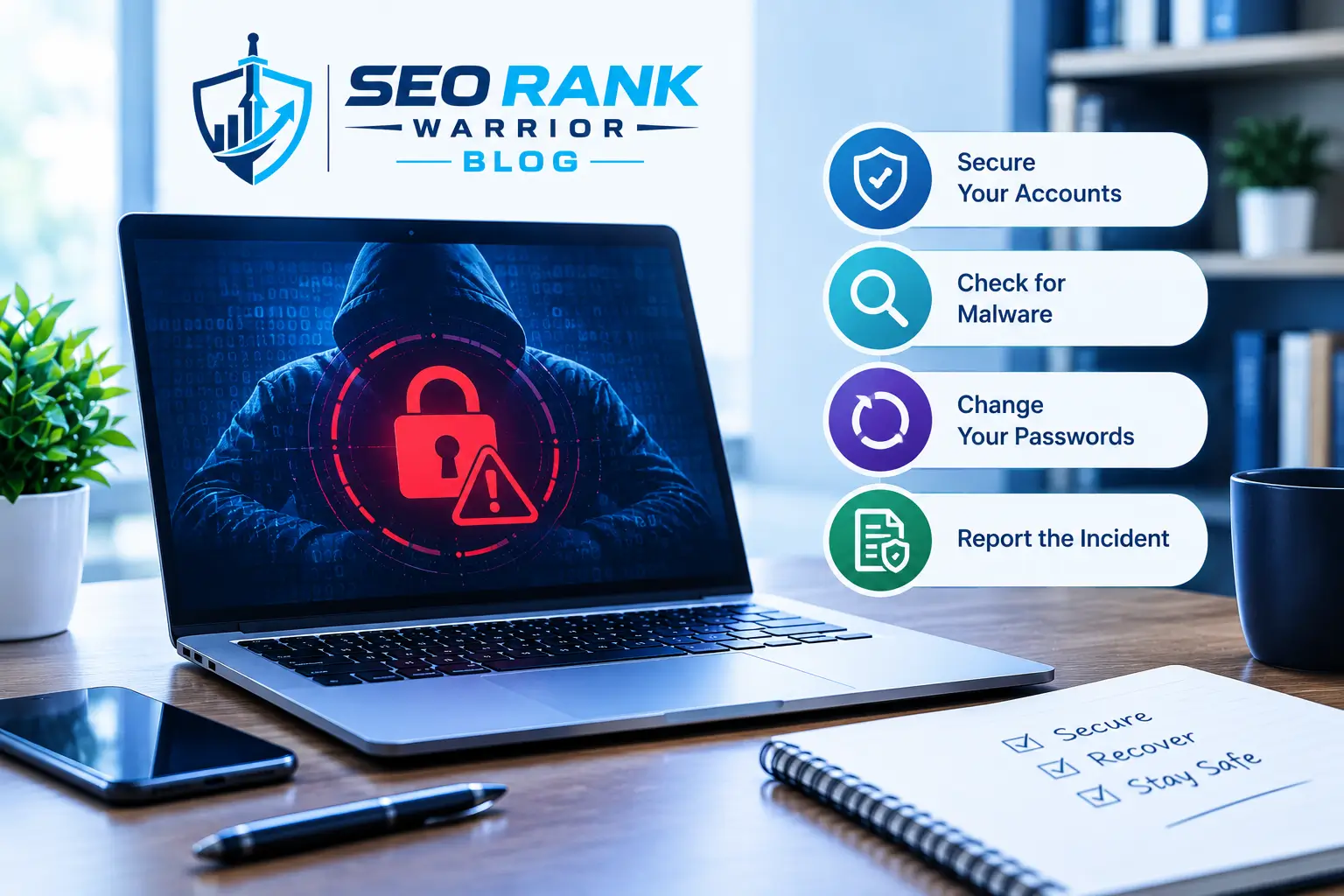
Even careful people get caught sometimes. What matters is how quickly you react. Follow these steps in order:
- Disconnect the affected device from the internet if you suspect malware.
- Change the password for the affected account and for your email, using a clean device.
- Turn on MFA and sign out of all other sessions.
- Call your bank right away if money or cards are involved, and block them.
- Run a full antivirus scan and restore from a clean backup if needed.
- Warn your contacts if your account sent messages in your name.
- Report the incident to the platform and to your local cybercrime authority.
Acting within the first hour limits the damage. Keep screenshots of suspicious messages, since your bank or the platform may ask for them as evidence. Avoid paying a ransom if you can. Payment does not guarantee you will get your files back, and it encourages more attacks.
FAQs – Cybersecurity Tips
What are the most important cybersecurity tips and computer security advice for beginners?
Start with four basics: use a unique passphrase for every account, turn on multi-factor authentication, keep your software updated and back up your important files. Add careful clicking habits, and you will block most common attacks.
How can I protect my accounts from hackers?
Use a password manager, enable MFA or passkeys and never share OTP codes. Check your email for breach alerts, review which devices are logged in every few months, and delete old accounts you no longer use.
Is a VPN necessary for cybersecurity?
A VPN is not mandatory for everyone, but it helps on public Wi-Fi and while travelling. It encrypts your connection but does not stop phishing or malware, so treat it as an extra layer, not your only protection.
How often should I change my passwords?
Strong, unique passwords do not need changing on a fixed schedule. Current guidance from bodies such as NIST favours changing a password when you suspect it has been exposed, rather than forcing regular resets. Change it right after a breach, and replace any reused passwords straight away.
What should small businesses do first to improve cybersecurity?
Begin with MFA on email and financial accounts, automatic updates, regular backups and basic staff training. Then run a simple risk assessment to see what needs attention next.
Conclusion
Good security is not about being a tech expert. It is about building a handful of habits and repeating them. Strong passphrases, MFA, regular updates, tested backups and careful clicking are core cybersecurity best practices that already stop most everyday attacks.
Start today with one step: turn on MFA for your email account. Then add one new habit each week, and within a month you will have worked through this whole list of cybersecurity tips. Keep this computer security advice handy, share it with family and colleagues, and revisit it as threats change. A little effort now can save you from a very stressful day later.