
A content calendar is a planning document that shows what content you will publish, where it will appear, when it will go live, and who is responsible for it. It turns scattered ideas into an organised publishing schedule, so decisions about topics and formats are made well before a deadline arrives.
This guide explains what a content calendar contains, how it works, and how to build one that people actually use. You will also find examples, common mistakes, and advice on choosing a content calendar tool.
What Is a Content Calendar?
A content calendar is a schedule used to plan, organize, and track content before it is published. Each entry usually records the topic, format, platform, publishing date, owner, and status.
Marketers, bloggers, social media managers, agencies, and small business owners all use one, because the same problem appears everywhere: content is easier to produce when the plan already exists. A good content planning calendar shows what is coming, what is late, and where the gaps are. It can live in a spreadsheet, a board, or dedicated software. The tool matters less than keeping it current.
What Does a Content Calendar Include?
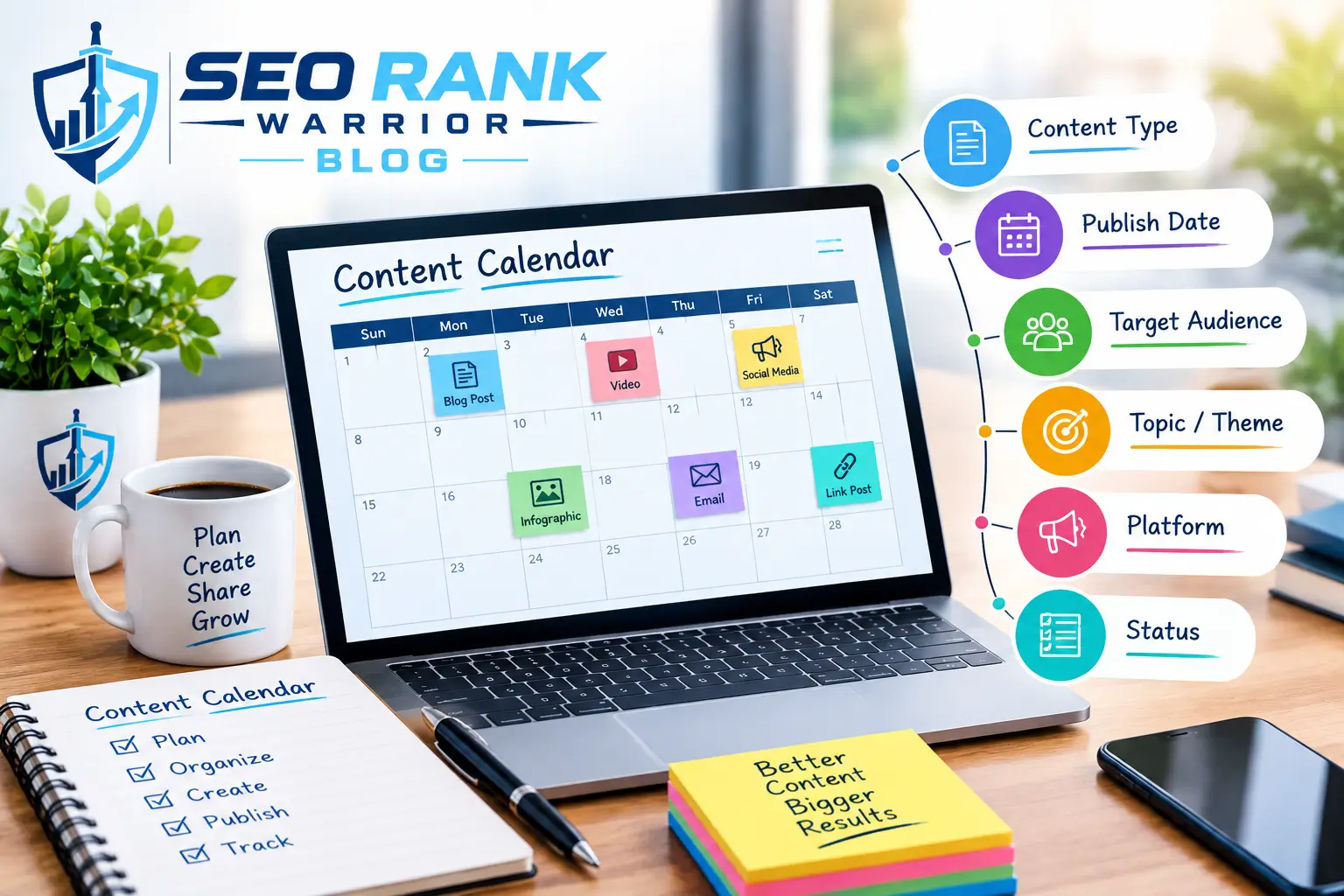
The exact fields depend on your goals and team size, but most calendars track these:
- Topic: the subject or working title
- Content type: blog post, video, email, or social post
- Target audience: who the piece is for
- Primary keyword: the search term a blog or SEO piece targets
- Platform: your website, LinkedIn, Instagram, or a newsletter
- Publishing date: when it goes live
- Content owner: who writes, designs, reviews, or publishes it
- Status: idea, in progress, in review, scheduled, or published
- Campaign: the launch, season, or theme it supports
- Call to action: what the reader should do next
- Notes or assets: briefs, draft links, images, and source material
A solo blogger may need only five of these. A team running several channels will need most of them.
Why Is a Content Calendar Important?
A calendar earns its place through the practical problems it prevents. Here is how it helps.
Better Content Organization
Every idea, draft, and deadline sits in one place, so nobody has to dig through chats, documents, and inboxes to find what is planned.
Consistent Publishing
When dates are set in advance, publishing becomes a routine rather than something that happens when time allows. Audiences also learn what to expect from you.
Easier Team Collaboration
A shared calendar shows who owns what. Writers, designers, and reviewers see the same information, which reduces overlap and repeated questions.
Better Planning
Seeing weeks or months at once helps you spot gaps, avoid clashes, and prepare for launches, seasonal moments, and events before they arrive.
Fewer Missed Deadlines
Working back from a publishing date lets you set draft, review, and design deadlines. Late items show up early, while there is still time to adjust.
More Strategic Content
Because each entry needs a goal, an audience, and a format, the calendar nudges you away from random posting toward content that supports something specific.
Easier Content Repurposing
When related pieces sit side by side, it is simpler to turn one blog post into an email, a short video, or a set of social posts.
How Does a Content Calendar Work?
A content calendar works as a repeating cycle rather than a one-time document. You plan content around goals, assign dates and owners, move each piece through drafting and review, publish it, and then check how it performed. Those results shape the next round of planning.
In practice, the calendar is usually reviewed at two speeds. A monthly or quarterly session sets themes, priorities, and key dates. A short weekly check confirms what is in progress, what is blocked, and what goes live next. This split keeps the plan strategic without making it rigid.
Types of Content Calendars
Social Media Content Calendar
A content calendar for social media plans posts across platforms such as Facebook, Instagram, LinkedIn, and TikTok, including captions, visuals, hashtags, and scheduled publishing.
Blog Content Calendar
A content calendar for blogs tracks topics, target keywords, authors, deadlines, publishing dates, and scheduled updates to existing posts.
Editorial Calendar
An editorial calendar focuses on planned editorial output such as articles, features, and newsletters, and often adds review and approval stages.
Email Content Calendar
This version schedules newsletters, promotional emails, and seasonal campaigns so messages do not collide or overwhelm subscribers.
Marketing Content Calendar
A marketing content calendar coordinates blog posts, emails, social posts, and videos around campaigns and business goals.
What Is the Difference Between a Content Calendar and an Editorial Calendar?
The two terms overlap heavily, and many organisations use them interchangeably. Where a distinction exists, an editorial calendar usually centres on written or published editorial content, such as articles and newsletters, along with drafting and approval stages. A content calendar is often broader, covering several formats and channels, including social posts, video, and campaign assets. Treat the editorial calendar as a close relative, or a subset, rather than a separate concept.
Content Calendar vs Content Strategy
They are related, but they answer different questions. Content strategy explains why you create content and for whom. The calendar shows what happens and when.
| Content Strategy | Content Calendar | |
| Main question | Why and for whom? | What, when, where, and who? |
| Defines | Goals, audience, topics, positioning, priorities, distribution approach | Publishing dates, platforms, owners, current status |
| How often it changes | Occasionally | Regularly |
A calendar without a strategy fills slots with random content. A strategy without a calendar rarely turns into published work.
How to Create a Content Calendar
Step 1: Define Your Content Goals
Decide what the content should achieve, such as more organic traffic, newsletter sign-ups, or product awareness. Goals decide what belongs in the calendar.
Step 2: Identify Your Target Audience
Note who you are writing for and what they need. Different audiences often need different formats and platforms.
Step 3: Research Content Topics and Keywords
Use keyword research, customer questions, and gaps in your existing content to build a list of content ideas worth publishing.
Step 4: Choose Content Formats
Match each topic to the format that suits it: an article, a video, an email, a checklist, or a short social post.
Step 5: Select Publishing Platforms
Pick the channels where your audience already spends time. A few platforms done well beat many done poorly.
Step 6: Set Publishing Dates
Place items on the calendar, allowing time for drafting and review. Include launches, events, and seasonal moments.
Step 7: Assign Responsibilities
Give every entry an owner and, where relevant, a reviewer and a person who publishes it.
Step 8: Track Content Status
Use clear labels such as idea, drafting, review, scheduled, and published, so progress is visible at a glance.
Step 9: Publish and Promote
Publish on schedule and decide how each piece will be shared, for example through email or social channels.
Step 10: Review Performance
Compare traffic, engagement, or conversions against your goals, then update future entries based on what worked.
What Should You Put in a Content Calendar?
A simple content calendar template is enough to begin with. You can add columns later.
| Field | Purpose |
| Topic | Defines what the content covers |
| Keyword | Supports search optimization |
| Format | Identifies the content type |
| Platform | Shows where it will be published |
| Publish Date | Sets the publishing schedule |
| Owner | Identifies who is responsible |
| Status | Tracks progress |
| CTA | Defines the desired action |
Content Calendar Examples
These examples are illustrative, so adapt them to your own business.
Blog content: A guide on auditing old blog posts, targeting the keyword “blog content audit,” assigned to one writer, with a draft deadline a week before the publishing date and status set to “in review.”
Social media content: An Instagram carousel showing how orders are packed, scheduled for a weekday morning, owned by the design team, with a call to action pointing to the online shop.
Email marketing: A monthly newsletter sent on the first Thursday, featuring the three most-read articles, with a call to action to read the full guide.
Product or campaign content: A spring promotion planned as one landing page, three emails, four social posts, and one blog post, sequenced across two weeks.
How Often Should You Update a Content Calendar?
There is no universal publishing frequency. The right rhythm depends on your resources, goals, audience expectations, platform requirements, quality standards, and team size. One strong article a week that you can sustain beats a promise of daily posts that you cannot keep. Consistency matters more than volume. Review the calendar weekly for status changes, and revisit the broader plan monthly or quarterly.
Common Content Calendar Mistakes
- Planning too much: a packed content schedule invites missed dates and rushed work.
- No assigned owners: unassigned items tend to stall.
- Ignoring the target audience: topics chosen for convenience rarely connect with readers.
- Publishing without clear goals: without a purpose, results are hard to judge.
- Being too rigid: leave space for timely topics and changes.
- Forgetting content updates: older content needs refreshing too.
- Not tracking performance: without review, the calendar never improves.
- Choosing quantity over quality: more posts do not help if each one is weak.
Can Productivity Tools Help With Content Calendars?
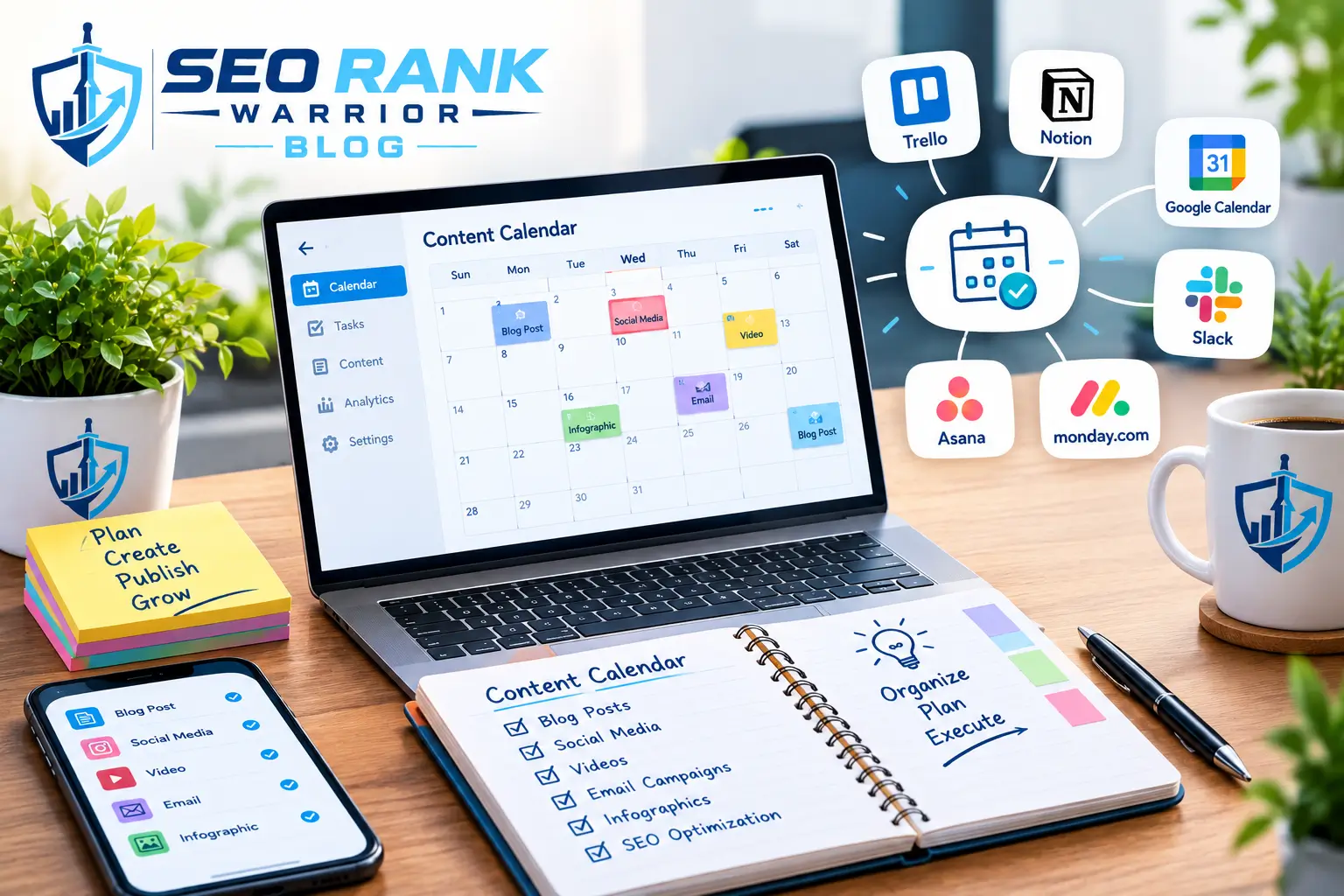
Yes. Productivity and project management tools can turn a static calendar into a working content workflow, with scheduling, task assignment, deadlines, collaboration, and status tracking in one place. If you are exploring options beyond spreadsheets, our guide to Productivity Tools explains how different types of tools support planning, teamwork, and everyday workflows.
How to Choose a Content Calendar Tool
If a spreadsheet no longer keeps up, compare content planning tools on these points:
- Ease of use: can new team members learn it quickly?
- Collaboration: comments, shared access, and approvals
- Scheduling and calendar views: weekly, monthly, and list views
- Task management: deadlines and assignments for each piece
- Integrations and automation: links to your publishing platforms and reminders
- Reporting: whether you can review performance
- Pricing and scalability: whether it still fits as your team grows
Start with your actual content management process. A small team may only need a clear calendar view and reminders, while larger teams often benefit from approvals and reporting.
FAQs – What Is a Content Calendar?
What is a content calendar in simple terms?
A content calendar is a schedule that shows what content you plan to publish, on which platform, on what date, and who is responsible. It helps you plan instead of deciding at the last minute.
What should a content calendar include?
At a minimum: topic, content type, platform, publishing date, owner, and status. Many teams also add the target audience, primary keyword, campaign, call to action, and notes.
How do I create a content calendar?
Define your goals and audience, research topics and keywords, choose formats and platforms, set publishing dates, assign owners, track status, publish, and review performance. Begin with a simple spreadsheet and expand only when needed.
What is the difference between a content calendar and an editorial calendar?
The terms overlap. An editorial calendar usually focuses on written editorial content and its approval stages, while a content calendar can cover multiple formats and channels, such as blogs, email, social media, and video.
Can a content calendar improve content planning?
Yes. It gives you a clear view of upcoming content, exposes gaps and clashes, and connects each piece to a goal. That makes content planning more deliberate and easier to review.
Conclusion
A content calendar is a practical planning system that shows what content will be created, where it will be published, when it will go live, and who is responsible. Keep it simple, review it regularly, and let it grow with your content workflow as your needs change.